SkyLinker Pro
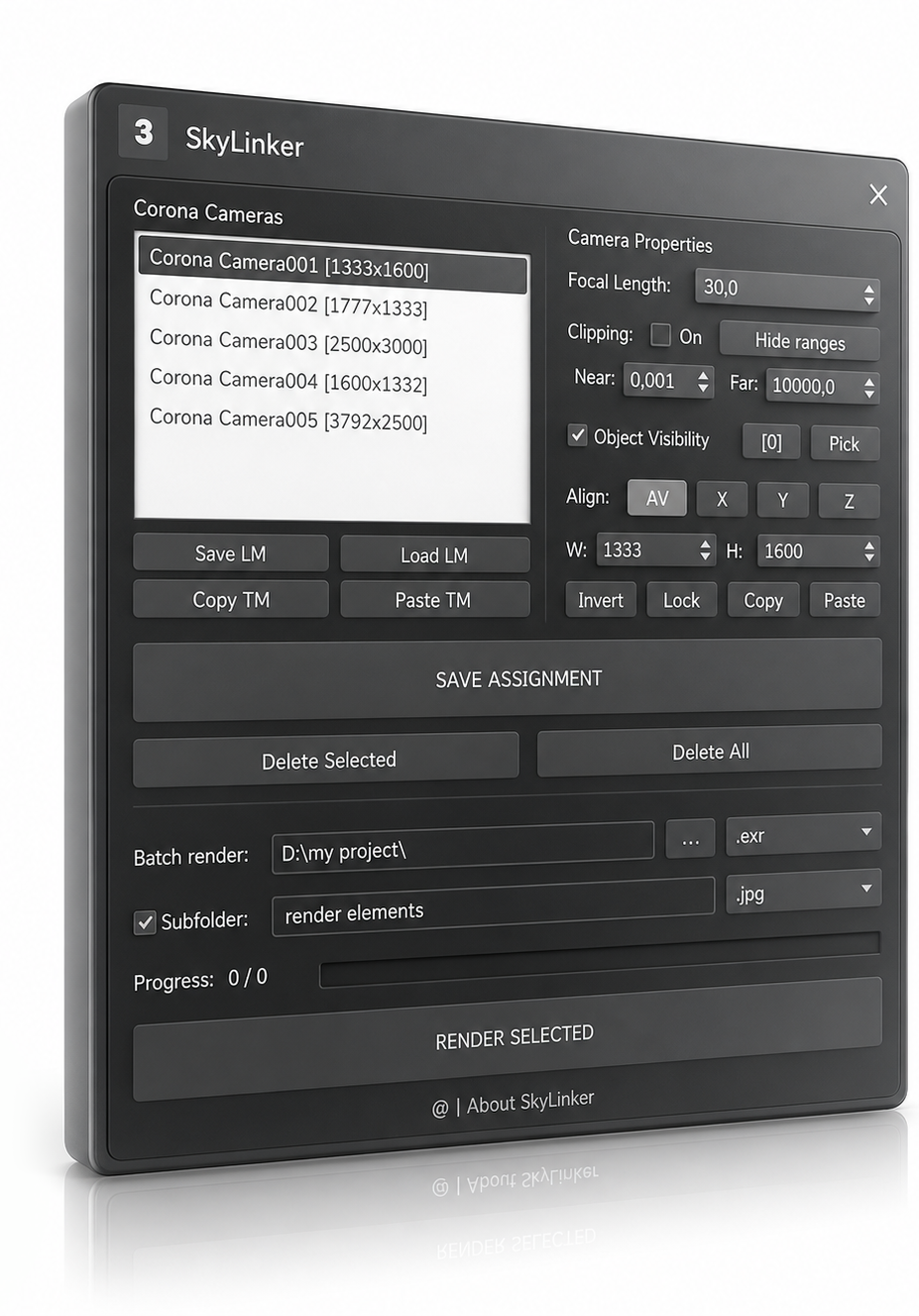
A lighting and environment manager for visualizers and 3D artists. A professional tool that instantly switches lighting presets depending on the active camera: turns on the required Corona Sun, inserts HDRI/Sky and overrides, and changes camera settings, LightMix, and tone mapping.
Hundreds of 3D artists have implemented Sky Linker into their pipelines

Features
Everything for production
Automate the routine when working with multiple shots in one project.
Smart Assignments
Associate CoronaSun, HDRI, overrides, LightMix, and resolution settings with each camera. Switch cameras—everything applies instantly.
Batch Render
Select cameras and click one button. Sky Linker switches settings, applies HDRI, sets resolution and renders each shot.
LightMix
Save LightMix settings for each camera. The configuration is loaded automatically during batch rendering.
Tonemapping
Copy exposure, ACES, LUT, Bloom, Glare, Vignette and 30+ parameters from one camera to another in two clicks.
Camera
Full control
Control all the camera parameters you need directly from Sky Linker—without switching between 3ds Max windows.
Try itOutput Formats
Render Elements are saved in any format to a separate folder.
Workflow
Three steps
Set up once — work with dozens of shots without routine.
Assign
Link the required CoronaSun and HDRI environment to each zone, configure LightMix and renderer resolution.
Render
Select cameras, specify format and folder. Sky Linker switches settings and renders each shot automatically.
Forget the routine
Each shot gets its own settings. No more manually changing sun and HDRI before each render.
Pricing
Start working more efficiently
For those who work with dozens of shots and value their time.